Z.ai Open-Sources ZCode: The Multi-Modal Agentic Coding Workbench
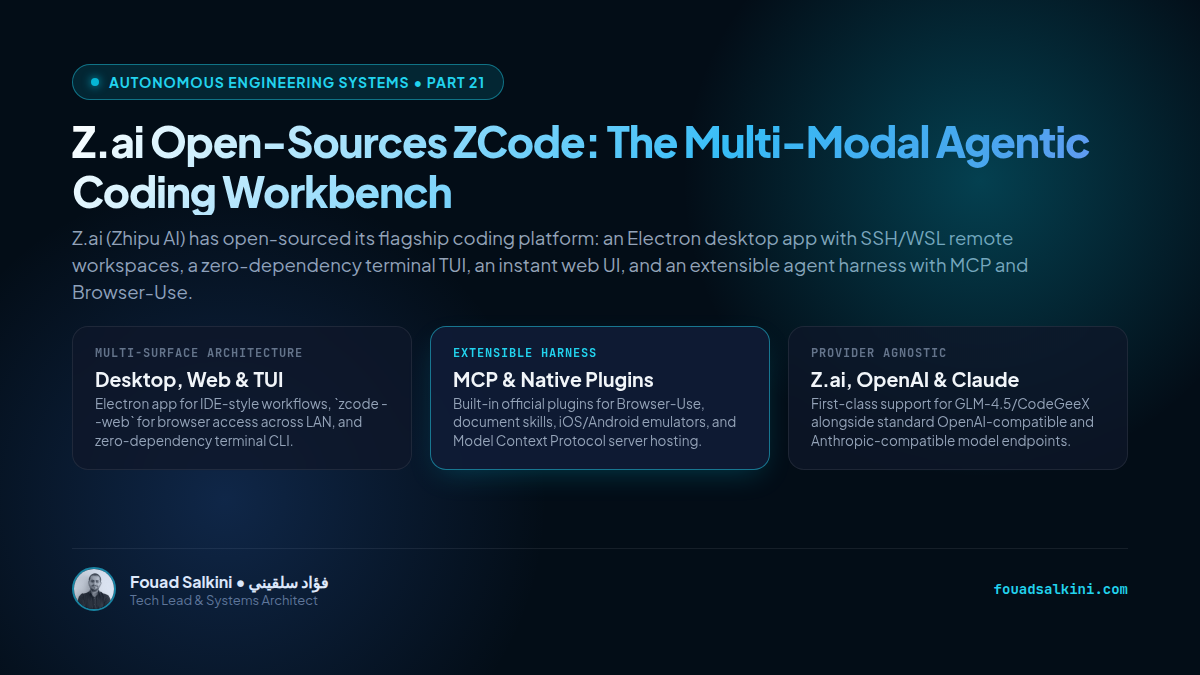
Z.ai (Zhipu AI) has open-sourced its flagship coding platform: an Electron desktop app with SSH/WSL remote workspaces, a zero-dependency terminal TUI, an instant web UI, and an extensible agent harness with MCP and Browser-Use.
In the rapidly evolving landscape of autonomous coding agents, developers have largely been forced to choose between two divergent extremes:
- Terminal-Centric CLI Agents: Tools like Claude Code, Codex CLI, and OpenCode that operate purely inside terminal emulators, offering extreme speed and automation but limited visual ergonomics.
- Proprietary Closed-Source IDEs: Commercial tools that embed AI inside proprietary editors with locked model routing and opaque telemetry.
On September 23, 2026, Z.ai (the international AI arm of Zhipu AI / GLM) shattered this dichotomy by open-sourcing its entire flagship coding platform: ZCode (zai-org/ZCode).
Licensed under Apache 2.0 / open community terms, ZCode is not just another wrapper around an API endpoint. It is a complete, production-grade multi-surface agentic coding workbench providing a desktop application, an instant web interface, a zero-dependency terminal TUI, and an extensible agent harness.
Here is an architectural deep dive into how ZCode is constructed, the four distinct surfaces it offers, and what makes its harness architecture significant for software engineering teams.
1. The Multi-Surface Architecture: Desktop, Web, and TUI
Most coding tools are locked to a single presentation paradigm. ZCode decouples the underlying agent runtime from the user interface, delivering three coordinated operational surfaces:
┌────────────────────────────────────────────────────────┐
│                   Shared Agent Harness                 │
│              (Runtime, Memory, Tools, RPC)             │
└───────────────────────────┬────────────────────────────┘
                            │
      ┌─────────────────────┼─────────────────────┐
      ▼                     ▼                     ▼
┌──────────────┐      ┌──────────────┐      ┌──────────────┐
│ Electron App │      │ Web UI Mode  │      │ Terminal TUI │
│ (Host/Render)│      │(zcode --web) │      │ (zcode CLI)  │
│  IDE Canvas  │      │ Local/LAN WS │      │ Zero-Dep SEA │
└──────────────┘      └──────────────┘      └──────────────┘
A. The Desktop Workbench (packages/desktop)
Built on Electron with a modular Host/Renderer architecture, the desktop app provides a rich visual development canvas:
- Multi-pane project explorer with intelligent context pinning.
- Interactive git diff inspector and syntax-highlighted code editor.
- Visual state telemetry showing the agent’s active reasoning step, pending tool execution, and memory stack.
- Native Remote Workspace Support: Seamlessly connect to remote Linux servers over SSH or inside Windows Subsystem for Linux (WSL). Rather than relying on external CDN downloads, ZCode streams development assets and agent binaries directly over SFTP, making it ideal for air-gapped or high-security corporate networks.
B. Instant Browser Interface (zcode --web)
Developers who work across devices or prefer browser tabs can invoke:
zcode --web --workspace /path/to/project --port 3030This boots an HTTP/WebSocket server that exposes the complete visual workbench directly in your web browser. With support for --host 0.0.0.0 and cryptographically signed authorization tokens (--token), engineers can run long agent refactoring jobs on a powerful remote server and monitor or steer progress from a mobile browser or tablet over local WiFi.
C. Zero-Dependency Terminal Agent (apps/zcode-cli)
For developers who live inside tmux and command-line sessions, zcode provides a lightning-fast Terminal User Interface (TUI):
- Zero Production Dependencies: The runtime engine is built purely on Node.js 24+ standard built-ins for argument parsing, process management, and terminal control.
- Single Executable Application (SEA): Supports packaging the complete CLI into a standalone, single-binary executable (
npm run sea) for cross-platform Linux and Windows deployments.
2. The Extensible Agent Harness: MCP & Built-in Plugins
The true engineering muscle of ZCode lives inside its Agent Harness (apps/zcode-cli/packages/runtime and tools).
Instead of hardcoding a fixed set of capabilities, ZCode introduces a modular plugin architecture located at ~/.zcode/cli/plugins:
┌────────────────────────────────────────────────────────┐
│                ZCode Plugin & Tool Matrix              │
└───────────────────────────┬────────────────────────────┘
                            │
      ┌───────────┬─────────┴─┬───────────┬───────────┐
      ▼           ▼           ▼           ▼           ▼
┌───────────┐┌───────────┐┌───────────┐┌───────────┐┌───────────┐
│Browser-Use││ DocSkills ││ Mobile Dev││MCP Servers││  Custom   │
│  Playwright││Office/PDF ││iOS/Android││GitHub/SQL ││  Skills  │
└───────────┘└───────────┘└───────────┘└───────────┘└───────────┘- Bundled Official Plugins (Default-Enabled):
browser-use: Visual browser automation using Playwright/CDP, enabling the agent to test web applications, click through UI flows, and capture screenshots.document-skills: Extraction, parsing, and structured generation of Word.docx, PDF, and Markdown documentation.skill-creator: Interactive procedural skill generation that allows agents to codify repetitive engineering workflows into reusable scripts.
- Runtime-Heavy Plugins (On-Demand):
ios-simulator: Commands and accessibility hooks to launch, inspect, and test iOS apps inside Xcode simulators.android-emulator: ADB-driven commands for Android testing.
- Model Context Protocol (MCP) Synergy: ZCode features native client and server integration for Anthropic’s Model Context Protocol. Developers can connect local SQLite databases, enterprise PostgreSQL instances, GitHub issue trackers, and AWS infrastructure via standard MCP config declarations.
3. Provider-Agnostic Model Routing
While ZCode is created by Z.ai and includes first-class support for their frontier models (GLM-4.5, GLM-5, and CodeGeeX-4), the harness does not lock developers into a single proprietary ecosystem:
- OpenAI-Compatible Endpoints: Configure custom base URLs and headers to route through local inference engines (vLLM, Ollama, SGLang) or proprietary enterprise gateways.
- Anthropic Protocol Compatibility: Native adapter support for Claude 3.5 Sonnet, Claude 3.7 Sonnet, and Claude Opus.
- Local Fallback & Multi-Account Quota Switching: Community extensions (
zcode-api,zcode-switch) already allow automated failover across multiple keys and local proxies.
4. The Engineering Takeaway
The open-sourcing of ZCode is a major milestone for the agentic software ecosystem:
- The End of Monolithic Walled Gardens: Developers no longer need to be trapped in proprietary IDE forks to get a unified visual and terminal agent experience.
- Harness Modularity is King: Decoupling the UI layer (Electron/Web/TUI) from the execution harness (tools/plugins/MCP) is the gold standard for modern agent design.
- Open-Source Parity: With ZCode, the open-source community now possesses a complete, enterprise-grade AI workbench that rivals any closed commercial product.
Sources & Repository: zai-org/ZCode on GitHub, ZCode Release v3.14.3, Z.ai Official Community Documentation.

Written by Fouad Salkini (فؤاد سلقيني)
General Manager & Tech Lead at Tripnologies and Sync Studios. Systems Architect focusing on AI coding agents, DevOps, and quantitative systems.