Fine-Tuning in Plain English: What Unsloth Studio Changes (and the Golden Rule of RAG)
A simple, practical guide to customizing open-source LLMs with Unsloth Studio on Google Colab, and avoiding the costly mistake between Fine-Tuning and RAG.
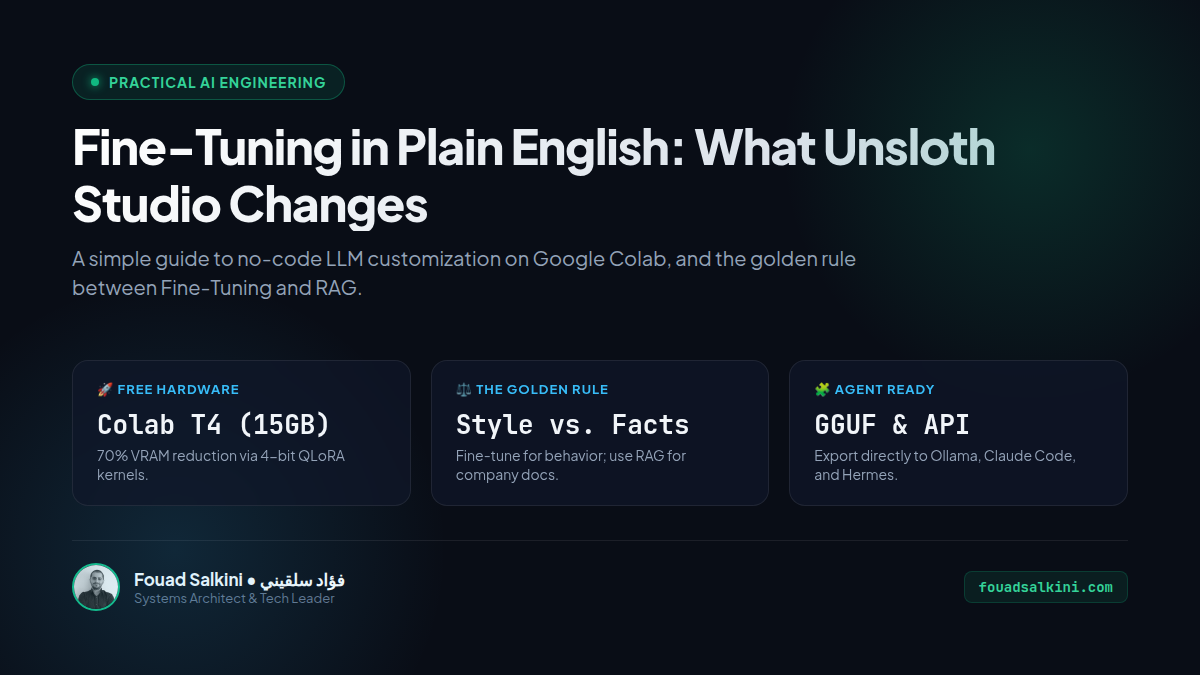
A viral post made rounds this week claiming: “You can now train 500+ AI models for free on Google Colab by just dropping your company PDFs and CSVs into Unsloth Studio!”
While the tool itself (Unsloth Studio) is real, free, and genuinely impressive, the way many beginners and non-technical founders understand it can lead to wasted weeks and broken AI assistants.
Here is the straightforward breakdown in plain English: what Unsloth Studio actually does, how to use it for free, and the one golden rule every builder must know before touching it.
1. What is Unsloth Studio?
Traditionally, customizing an open-source Large Language Model (like Llama 3.2, Qwen 2.5, or Mistral) required:
- Writing complex Python training scripts using PyTorch and Hugging Face Transformers.
- Owning expensive GPUs with 24GB–80GB of VRAM.
- Dealing with CUDA out-of-memory errors and formatting headaches.
Unsloth Studio changes this by wrapping Unsloth’s ultra-optimized training kernels inside a clean, no-code web interface.
- 70% Less Memory: Using 4-bit QLoRA optimizations, it lets you fine-tune 1B, 3B, and 8B parameter models on modest consumer hardware.
- Runs on Free Google Colab: You can open a pre-configured Google Colab notebook, click “Run All”, and open the visual studio in your browser through a secure Cloudflare tunnel.
- Direct Export: Once trained, you can export your model to standard
.ggufformat and run it locally inside Ollama, LM Studio, or connect it directly to coding agent harnesses (like Claude Code and Hermes).
2. The Golden Architectural Rule: Style vs. Facts
Here is where 90% of beginners get burned: they confuse Fine-Tuning with Knowledge Injection.
If you have company handbooks, pricing catalogs, or PDF manuals and you want an AI assistant to answer customer questions about them:
DO NOT Fine-Tune the model on your PDFs!
Here is why:
- Fine-Tuning is for Style, Tone, and Task Structure: Teaching a model to speak in a specific persona, follow a strict JSON schema, output specialized code syntax, or execute custom tool-calling protocols.
- RAG (Retrieval-Augmented Generation) is for Facts and Documents: When a user asks a question, RAG searches your documents, extracts the exact paragraphs, and feeds them into the prompt in real time.
| Use Case | Best Approach | Why? |
|---|---|---|
| “I want an AI that answers questions about our company policy.” | RAG | 100% factual accuracy, instant document updates, zero training costs. |
| “I want an AI that speaks with our brand’s exact witty tone.” | Fine-Tuning | Teaches speech patterns and personality. |
| “I want an AI that always outputs verified 3-column CSV or JSON.” | Fine-Tuning | Teaches strict structural discipline. |
| “I want an AI that quotes our fluctuating product prices.” | RAG / Tools | Fine-tuned models hallucinate numbers and cannot update without retraining. |
When you fine-tune a model on raw text documents to “teach it facts”, it inevitably suffers from hallucination and catastrophic forgetting.
3. The Catch with Free Google Colab
Can you really do it 100% free on Google Colab? Yes, but with caveats:
- Session Timeouts: Colab’s free Tesla T4 GPU instances disconnect after idle periods and limit continuous runs to 3–4 hours.
- Compute Quotas: Free compute units replenish slowly. If you try to process hundreds of PDF pages, you will exhaust your quota before the training run completes.
- Synthetic Data Bottleneck: Unsloth Studio features Data Recipes to transform raw documents into question-and-answer pairs. Generating high-quality synthetic data using a free T4 GPU is compute-heavy and slow.
4. How to Try It Yourself (Step-by-Step)
If you have a specialized dataset (like customer support tone examples or code snippets) and want to experiment:
- Open the official free notebook:
github.com/unslothai/unsloth/studio/Unsloth_Studio_Colab.ipynb - Click Runtime ➔ Run All.
- Once setup completes (under 2 minutes), click the secure Cloudflare URL to open Unsloth Studio.
- Choose a lightweight base model (e.g.
Qwen/Qwen2.5-1.5BorLlama-3.2-1B). - Upload your structured JSONL/CSV dataset.
- Click Start Training and watch the live loss curve.
- Export your
.ggufadapter for instant offline testing.
Summary
Unsloth Studio is an outstanding leap forward for open-source AI tooling: it democratizes model customization without terminal friction.
Just remember the engineering boundary: use RAG to give your AI a library; use Fine-Tuning to teach your AI a craft.

Written by Fouad Salkini (فؤاد سلقيني)
General Manager & Tech Lead at Tripnologies and Sync Studios. Systems Architect focusing on AI coding agents, DevOps, and quantitative systems.