REA (Reverse Engineer Anything): Autonomous Binary Decompilation and Clean-Room Engineering with AI Agents
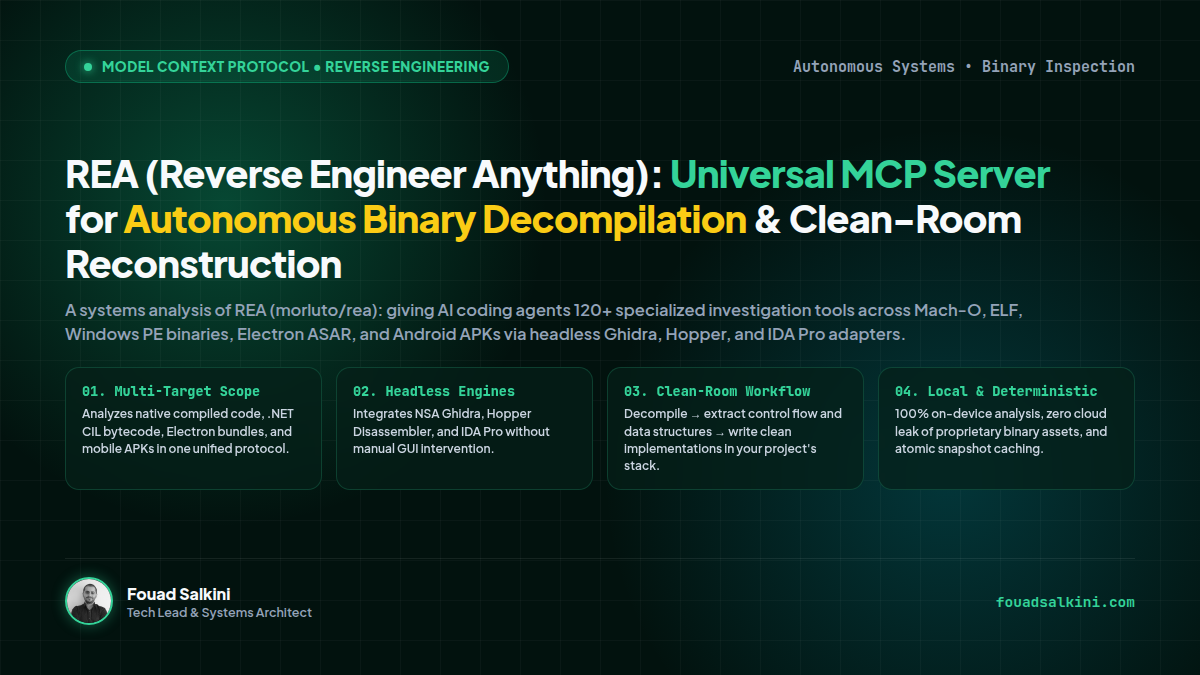
An architectural deep-dive into REA (morluto/rea): an open-source Model Context Protocol (MCP) server providing 120+ specialized investigation tools across Mach-O, ELF, Windows PE binaries, Electron ASAR, and Android APKs. How AI agents leverage headless Ghidra, Hopper, and IDA Pro to decompile, trace control flow, and synthesize clean-room implementations in your project stack.
In software engineering, one of the most frustrating bottlenecks is encountering a polished, closed-source application feature—an ultra-fast fuzzy search algorithm, an offline synchronization protocol, a custom binary file parser, or an undocumented internal API—and having no way to inspect how it works under the hood.
Traditionally, reverse engineering required deep domain mastery over assembly languages (x86_64, ARM64), manual hours inside disassemblers (IDA Pro, Ghidra, Hopper), and meticulous control-flow tracing across thousands of decompiled functions.
Recently, REA (Reverse Engineer Anything) (morluto/rea) surged on GitHub and developer communities by proposing a transformative paradigm: giving autonomous AI coding agents a unified Model Context Protocol (MCP) server equipped with over 120 specialized reverse engineering tools.
Instead of manually navigating disassembler graphs, you prompt your agent:
“Inspect the proprietary database compression algorithm in
binary.exe, show me the evidence, and build a clean-room Rust implementation for our backend.”
Here is an architectural autopsy of how REA works under the hood, how it abstracts disassembly engines, and how it enables clean-room software recreation.
1. Architectural Blueprint: The Unified MCP Investigation Plane
At its architectural core, REA acts as an abstraction bus between your AI agent harness (Hermes Agent, Claude Code, Cursor, OpenHuman) and low-level disassembly engines:
┌────────────────────────────────────────────────────────────────────────┐
│                        AI Coding Agent Layer                           │
│              (Claude Code • Hermes Agent • Cursor • Codex)             │
└───────────────────────────────────┬────────────────────────────────────┘
                                    │ Model Context Protocol (MCP) / CLI
                                    ▼
┌────────────────────────────────────────────────────────────────────────┐
│                         REA Core Engine                                │
│       (120+ Investigation Tools • Session State • Snapshot Cache)      │
└──────────┬────────────────────────┬─────────────────────────┬──────────┘
           │                        │                         │
           ▼                        ▼                         ▼
┌──────────────────────┐ ┌──────────────────────┐ ┌──────────────────────┐
│   Native Binaries    │ │ Managed & Bytecode   │ │  Packages & Bundles  │
│  (Mach-O • ELF • PE) │ │ (.NET CIL • Android) │ │ (ASAR • APK • IPA)   │
├──────────────────────┤ ├──────────────────────┤ ├──────────────────────┤
│ • Headless Ghidra    │ │ • JADX Decompiler    │ │ • Chromium DevTools  │
│ • Hopper Disassembler│ │ • .NET Metadata IL   │ │ • ASAR File Extract  │
│ • Hex-Rays IDA Pro   │ │ • Dalvik Bytecode    │ │ • Asset Catalog Dec  │
└──────────────────────┘ └──────────────────────┘ └──────────────────────┘
Rather than forcing the LLM to process millions of lines of raw disassembly dump (which exhausts context windows), REA provides granular, interactive investigation tools:
open_binary: Initializes a headless workspace and auto-detects architecture (x86_64, aarch64, thumb2).decompile_function: Target specific entry points, exported symbols, or address offsets on demand.get_xrefs: Traces callers and callees to map control flow without reading the entire binary.search_strings: Locates format strings, error messages, and API endpoint constants.get_type_info: Recovers C struct layouts, Swift metadata, and Objective-C class registries.
2. The Three-Phase Investigation Model
REA formalizes agentic reverse engineering into a deterministic three-stage loop:
┌──────────────────┐       ┌──────────────────┐       ┌──────────────────┐
│   1. Decompile   │ ────> │  2. Understand   │ ────> │   3. Recreate    │
└──────────────────┘       └──────────────────┘       └──────────────────┘
  • Recover pseudocode       • Map caller graph         • Synthesize clean
  • Extract strings          • Verify logic branches      code in your stack
  • Resolve symbols          • Audit side effects       • Zero copyright leak
Phase 1: Decompile (Extracting Raw Signals)
When given a binary or compiled bundle, REA uses its pluggable analysis providers:
- Ghidra Provider: Operates headless via automated Ghidra scripts, creating temporary sandbox projects and outputting clean C pseudocode.
- Hopper Provider: High-speed binary analysis tailored for macOS Mach-O binaries, Swift runtime metadata demangling, and Objective-C method dispatch tables (
objc_msgSend). - IDA Pro Provider: Enterprise-grade decompilation for hardened, obfuscated commercial binaries.
Phase 2: Understand (Evidence-Based Logic Traversal)
The agent does not guess. It formulates a hypothesis (e.g., “This function handles session token renewal”) and tests it by querying:
- Which functions cross-reference the secret HMAC key?
- How are the buffers allocated in memory?
- What happens if the signature verification fails?
REA generates a persistent JSON analysis snapshot (app.json), allowing subsequent agent sessions to query cached evidence instantly with zero startup overhead.
Phase 3: Recreate (Clean-Room Synthesis)
This is where REA separates itself from simple decompilers. The goal of REA is not to copy-paste disassembled assembly, but to allow the agent to extract the mathematical formulas, state machine transitions, and data protocols—and then re-implement them natively in your project’s programming language (e.g., converting a legacy C++ Win32 algorithm into an async TypeScript or Rust module).
3. Supported Target Matrix
REA covers an extraordinarily broad spectrum of binary and application formats:
| Category | Targets Supported | Underlying Mechanism |
|---|---|---|
| Native Binaries | Mach-O (macOS/iOS), ELF (Linux), PE/DLL (Windows) | Pluggable Ghidra, Hopper, or IDA Pro decompilation engines. |
| Electron Applications | Packaged desktop apps (Slack, Notion, VS Code) | Unpacks ASAR bundles, maps IPC channels, recovers Webpack source maps. |
| Android Packages | APK, XAPK, Android App Bundles (AAB) | Headless JADX integration for Dalvik bytecode decompilation. |
| Managed .NET | CIL assemblies (.exe, .dll) | Inspects metadata tokens, types, fields, and IL opcode sequences. |
| Runtime & Web | Live web applications and Node.js servers | Chrome DevTools Protocol (CDP) hooks to capture event listeners and WebSocket traffic. |
4. Real-World Case Study: Reconstructing Classic DX-Ball
To demonstrate the precision of agentic reverse engineering, the REA team conducted an ambitious proof-of-concept: reconstructing the classic 1996 Windows game DX-Ball from its raw compiled x86 binary into modern, portable C.
The Challenge:
The original DX-Ball binary was compiled with Microsoft Visual C++ 4.x over 25 years ago without debugging symbols. It contained proprietary brick-collision physics, custom bitmap blitting routines, and high-frequency sound triggers.
The Agentic Workflow:
- Symbol Recovery: REA’s Ghidra provider identified the primary message loop (
WndProc), ball physics tick functions, and collision detection tables. - Deterministic Differential Testing: The agent generated 3,205 unit tests comparing the outputs of the decompiled assembly against the reconstructed C functions.
- The Result: A clean, modern C codebase compiling natively on Linux, macOS, and modern Windows—passing 100% of differential test cases with identical frame-by-frame physics and zero disassembled code plagiarism.
5. Practical Setup: Connecting REA to Your Agent
Step 1: Install the REA CLI and Dependencies
Ensure you have Node.js 22+ installed, then run the installer:
# Global installation via npm
npm install --global rea-agents

# Run interactive setup to verify Ghidra/Hopper/Node dependencies
rea setup
Step 2: Configure the MCP Server in Your Environment
Add the REA server definition to your agent’s MCP configuration (e.g., claude_desktop_config.json, Cursor, or Hermes Agent):
{
  "mcpServers": {
    "rea": {
      "command": "npx",
      "args": ["-y", "rea-agents", "mcp"],
      "env": {
        "REA_ANALYSIS_PROVIDER": "ghidra"
      }
    }
  }
}
Step 3: Run an Autonomous Investigation Prompt
Once configured, launch your agent and instruct it:
"Analyze the authentication handshake in /opt/proprietary-app/auth_daemon.
Find where the cryptographic signature is verified, trace the xrefs to the private key,
and write a Python script demonstrating how to validate the token format."
The agent will autonomously:
- Call
open_binaryon the binary daemon. - Search for strings matching
"Authorization"and"Bearer". - Locate the verification function and decompile its control flow.
- Export the data structure into an analysis snapshot.
- Deliver a clean Python script implementing the protocol.
6. Architectural Summary & Legal Implications
| Dimension | REA Specification |
|---|---|
| License | MIT License (Open Source) |
| Protocol | Model Context Protocol (MCP) + CLI Interface |
| Analysis Providers | NSA Ghidra (Free/OSS), Hopper Disassembler, Hex-Rays IDA Pro |
| Privacy & Security | 100% On-Device execution; zero binary telemetry uploaded to cloud |
| Best Use Cases | Interoperability engineering, protocol reconstruction, malware audits, clean-room porting |
The Clean-Room Doctrine:
In systems engineering, reverse engineering for interoperability, security auditing, and compatibility is a legally protected and established industry standard. REA’s emphasis on evidence extraction followed by clean-room re-implementation ensures developers understand systems deeply without violating intellectual property boundaries.
REA proves that with the right MCP primitives, AI agents are evolving from basic syntax auto-completers into elite systems diagnostic engineers.

Written by Fouad Salkini (فؤاد سلقيني)
General Manager & Tech Lead at Tripnologies and Sync Studios. Systems Architect focusing on AI coding agents, DevOps, and quantitative systems.