PixelRAG: Search the Screenshot, Not Just the Extracted Text
PixelRAG retrieves document screenshots instead of flattening everything into text. A source and paper review, a real hosted-search check, useful scenarios for tables and visual documents, and the costs, English-only evaluation and privacy boundaries to understand before adopting it.
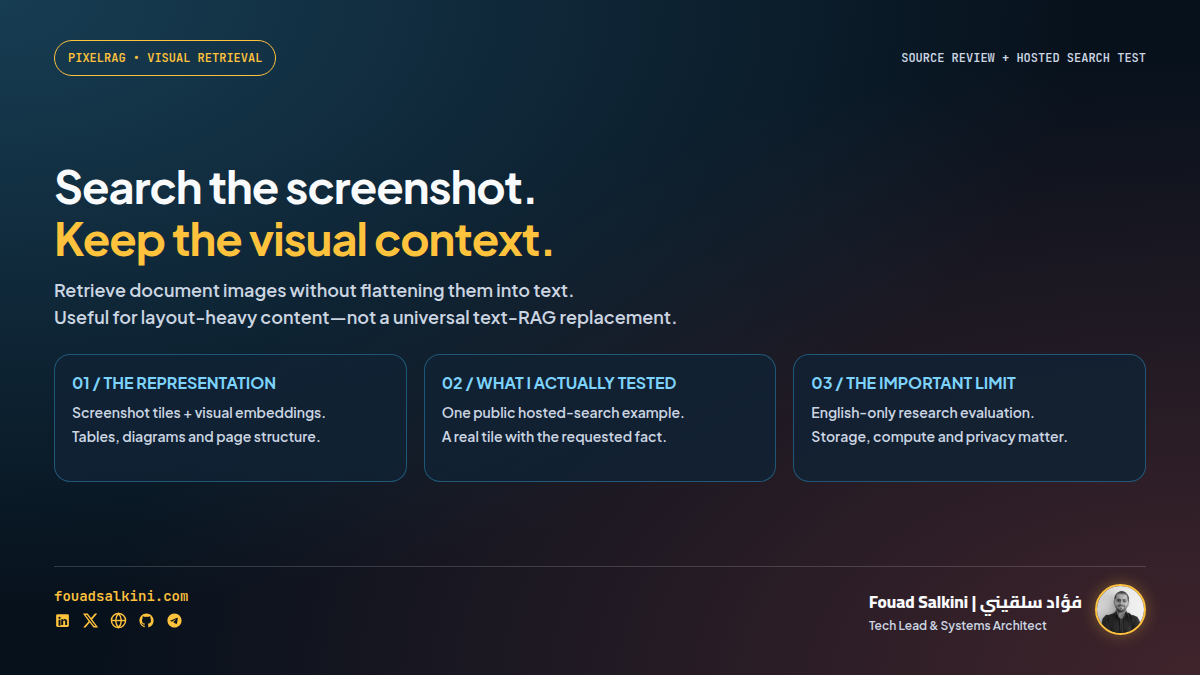
Sometimes the information an AI needs disappears before the model sees it: the table became a paragraph, the chart vanished, and the layout lost its meaning.
PixelRAG explores another approach: render a document into screenshot tiles, index their visual representations, retrieve relevant tiles, and let a vision-language model read them directly. It is retrieval-augmented generation over document images, not just extracted text. [1][2]
Reviewed 28 October 2026: source snapshot cf91bd4fc6891a3530627a5304a3ca566e3160c2, package version 0.4.0, and the associated research preprint. I also exercised the public hosted search with a non-sensitive query. I did not build the Wikipedia index locally or reproduce the paper’s benchmarks.
What changes in the pipeline?
A conventional text RAG pipeline extracts text, divides it into chunks, embeds those chunks and retrieves them for an answering model. PixelRAG’s visual path instead works roughly like this: [1][2]
Document or web page
  → screenshot tiles
  → visual embeddings + search index
  → relevant screenshot tiles
  → vision-language reader
  → answer
Layout, images, table structure and formatting can survive into the reader’s input. This does not mean text becomes useless, that every parser disappears from the software stack, or that screenshots guarantee correct answers. It changes the representation used for retrieval and reading.
The implementation separates rendering, embedding, indexing and serving. The default package does not require the full ML stack; local embedding/indexing/serving add heavier dependencies such as PyTorch, transformers and FAISS. Its package metadata requires Python 3.12 or newer. [1][3]
Where this could help
These are practical candidate use cases, not independently demonstrated results on my own documents:
- Reports with tables: keep row/column relationships instead of reading a broken stream of values.
- Technical manuals: retrieve the page containing a diagram and its explanatory text together.
- Product catalogues: search information whose meaning depends on an image, specification table and visual grouping.
- Agents reading unfamiliar websites: use the rendered view when HTML-to-text extraction omits a chart or mangles the page.
For a clean text knowledge base, a conventional or hybrid text pipeline may remain the simpler choice. Evaluate on the actual document mix rather than assuming “visual” always wins.
What I actually tested
I sent a public, non-sensitive question to the documented hosted API, without an API key:
curl -X POST https://api.pixelrag.ai/search \
  -H "Content-Type: application/json" \
  -d '{"queries":[{"text":"What is the capital of France?"}],"n_docs":1,"include_images":true}'
The request returned HTTP 200, a search hit from Outline_of_France, and a screenshot tile measuring 875 × 1024 pixels. I opened the returned image: it contains a department table and a section explicitly reading “Capital of France: Paris.”
That verifies one real hosted retrieval and image response. It does not verify end-to-end answer generation, benchmark accuracy, every query, or a self-hosted deployment. In a separate request with articles_only: true, the returned ranking changed; retrieval filters are not an accuracy guarantee.
The README currently describes the hosted service as an index of 8.28 million Wikipedia pages. That is the provider’s corpus claim, not a corpus count I independently audited. It is not a public search engine for all your private files or the entire live web. [1]
What the research shows—and does not show
The associated arXiv preprint reports gains over selected text-RAG baselines across several QA benchmarks. In its main table, the reported NQ-Tables answer accuracy is 48.8 for PixelRAG versus 42.5 for the Trafilatura baseline, under the paper’s chosen reader and retrieval setup. These are author-reported results, not my reproduction. [2]
The paper also reports token-efficiency gains from image compression, but that is not a blanket promise that every visual query costs less. Reader training, resolution and model choice matter. The paper itself notes that Wikipedia fine-tuning does not transfer equally well to news. [2]
Three important limitations are explicitly documented: [2]
- Storage: the research Wikipedia screenshot datastore occupies nearly 6 TB. The paper’s large offline run used a substantial machine, not an ordinary laptop. Smaller custom indexes are a different scale; the full-corpus numbers are not minimum requirements for every demo.
- Links: a screenshot shows a hyperlink visually, but does not automatically preserve its navigable target. Additional structured metadata can help.
- Language: the evaluated datastores are English-only. I have not verified Arabic retrieval or Arabic document QA. A multilingual embedding model by itself does not establish Arabic end-to-end accuracy.
“Search by pixels” is a useful research direction. “The end of web parsing” is a marketing headline, not a deployment rule.
Privacy and security: pixels can contain secrets too
A screenshot of a confidential document is still confidential. Self-hosting the index does not make a remote reader model or the public hosted service local.
- Do not submit private queries, screenshots or internal documents to a public endpoint without reviewing its data handling and obtaining permission.
- The reviewed server source includes query logging that records text queries when initialized. Check logging, retention and access controls in your own deployment. This is a source observation, not proof of the exact public server’s operational settings. [4]
- The optional PixelBrowse skill warns that screenshot text is untrusted page content, not instructions. A page can visually tell an agent to run commands; the agent must not obey it. [5]
- Rendering arbitrary URLs or connecting to an authenticated browser crosses trust boundaries. Use an isolated rendering environment and do not expose browser debugging interfaces or a private search API casually. The project’s security policy explicitly identifies these boundaries. [6]
The repository is Apache-2.0 licensed. Model weights, dependencies, hosted services and the documents you ingest still have their own terms. Open-source code is not a guarantee of zero compute cost or production hardening. [1][3]
A sensible first experiment
Start with public, non-sensitive documents and a small evaluation set: questions whose answers depend on tables, figures or layout, plus ordinary text questions as controls. Compare retrieval relevance, answer correctness, citations, latency and total operating cost against your current text pipeline.
Keep retrieval and answering separate in your measurements. Finding an image containing the answer is necessary, but the reader still has to interpret it correctly.
My takeaway: PixelRAG is worth exploring when text extraction loses important visual structure. Treat it as an alternative representation to evaluate—not an automatic replacement for text RAG, a guarantee of Arabic support, or a free large-scale indexing service.
Sources
[1] https://raw.githubusercontent.com/StarTrail-org/PixelRAG/cf91bd4fc6891a3530627a5304a3ca566e3160c2/README.md — Reviewed project snapshot and hosted API examples.
[2] https://arxiv.org/html/2606.28344v1 — Research results, evaluation setup and limitations.
[3] https://raw.githubusercontent.com/StarTrail-org/PixelRAG/cf91bd4fc6891a3530627a5304a3ca566e3160c2/pyproject.toml — Package version, Python requirement and optional ML dependencies.
[4] https://raw.githubusercontent.com/StarTrail-org/PixelRAG/cf91bd4fc6891a3530627a5304a3ca566e3160c2/serve/src/pixelrag_serve/api.py — Search schema and query-logging code.
[5] https://raw.githubusercontent.com/StarTrail-org/PixelRAG/cf91bd4fc6891a3530627a5304a3ca566e3160c2/plugin/skills/pixelbrowse/SKILL.md — Screenshot instruction boundary.
[6] https://raw.githubusercontent.com/StarTrail-org/PixelRAG/cf91bd4fc6891a3530627a5304a3ca566e3160c2/SECURITY.md — Rendering, API, credential and agent-input boundaries.

Written by Fouad Salkini (فؤاد سلقيني)
General Manager & Tech Lead at Tripnologies and Sync Studios. Systems Architect focusing on AI coding agents, DevOps, and quantitative systems.