iPhone Malware Assessment: Automating MVT Checks Without False Confidence
A source-reviewed Mac workflow wraps MVT and libimobiledevice to collect iPhone backups, inspect known spyware indicators and summarize findings. Useful forensic scaffolding—not a clean-phone certificate. Includes an isolated empty-input test, privacy concerns, compatibility risks and a safer evaluation checklist.
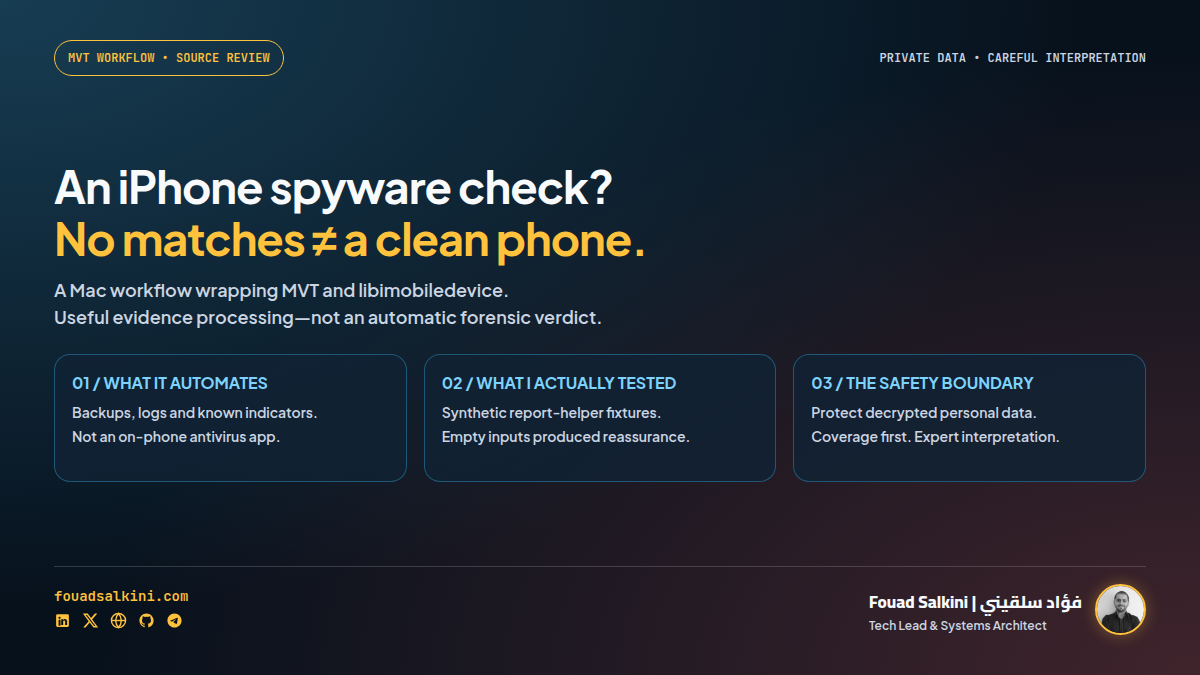
An AI agent can organize a forensic workflow. It cannot turn “no matches” into proof that your phone is safe.
lordx64/iphone-malware-assessment packages a Mac-based iPhone assessment workflow as a Claude Code skill and standalone scripts. It combines Mobile Verification Toolkit (MVT) with libimobiledevice to collect evidence, inspect backups and summarize potential signs of compromise. [1]
The idea is useful: reduce the manual work of coordinating several forensic tools. The important qualification is that this is a third-party automation wrapper, not an Amnesty-maintained scanner, a new detection engine, or a replacement for an investigator. MVT itself is intended for technologists and investigators, not end-user self-assessment. [1][2][6]
Reviewed 24 October 2026: repository version label 1.0.0, source snapshot 14c676934499288952469158937c5e9708466fd6. I inspected the scripts and ran isolated synthetic tests of the two Python report helpers. I did not connect an iPhone, acquire or decrypt a real backup, run an end-to-end MVT examination, or test detection of real spyware.
What the project automates
The repository’s workflow targets a non-jailbroken iPhone connected to a Mac by USB. It expects macOS and Homebrew, with the owner unlocking the phone and approving the trust relationship. Its stages are: [1]
- Install or locate libimobiledevice and install/upgrade MVT through pipx; download indicator feeds.
- Copy crash and diagnostic logs. The collection command includes the option to keep the originals on the phone.
- Create a local encrypted backup, with retry logic.
- Decrypt the backup for analysis.
- Run MVT backup checks and a separate indicator-checking pass.
- Apply path-based crash-log and backup-manifest heuristics.
- Print a readable assessment and optionally write a JSON summary.
MVT can decrypt iOS backups, parse supported records and compare them with known indicators of compromise, or IOCs. These are clues such as artifacts associated with known spyware campaigns—not a universal detector for every possible attack. [2]
This workflow is therefore better understood as forensic triage and evidence processing, not “install an antivirus app on your iPhone and get a definitive yes/no answer.”
The most important finding from my test
I ran the repository’s 07-assess.py report helper in a network-disabled container against an empty synthetic results directory. There was no backup, no manifest and no extracted evidence.
It exited successfully and printed:
CLEAN: 0 matches against any downloaded spyware indicator feed.
...
manifest.json not found — run 05-scan.sh first.
...
VERDICT: NO EVIDENCE OF COMPROMISE
This is observed output from an intentionally empty fixture, not a report about a real phone. The script does warn that the manifest is missing, but its final verdict does not require sufficient coverage before producing reassuring language. Its source selects the verdict from the absence of recorded matches and flags. [1]
A synthetic positive control containing one invented indicator entry did produce REVIEW REQUIRED. That confirms the helper distinguishes that fixture; it does not validate MVT’s real-world detection capability.
I also ran the crash helper against an empty crash-log directory. It reported scanning zero logs, then printed reassuring wording about loaded images. The helper uses path allowlists, not a cryptographic code-signature verification step, so its “app-signed” wording should not be treated as a verified signature finding. [1]
Practical conclusion: no data, incomplete data and no known-indicator matches are different outcomes. A robust report should explicitly say insufficient evidence when acquisition or coverage is missing. Do not read this wrapper’s final sentence without checking the underlying logs and successful extraction.
A negative result is not a clean-phone certificate
The MVT documentation is explicit:
Public indicators of compromise are insufficient to determine that a device is “clean”, and not targeted with a particular spyware tool. [2]
This is broader than “a scanner cannot catch tomorrow’s zero-day.” Public indicators may miss recent traces or campaigns for which the relevant intelligence is not public. Comprehensive triage also relies on research, context and sometimes non-public indicators. [2]
Likewise, an indicator match is a lead for investigation, not automatic proof of a particular actor or active infection. An unusual crash, a hardening suggestion and a matched indicator are not interchangeable. Examine the source artifact, timestamp, coverage and context before drawing a conclusion.
If there is a credible targeted-spyware concern, seek qualified assistance. Amnesty’s Security Lab describes support routes, particularly for civil society and human-rights defenders. Do not erase or reset potential evidence merely because an automated summary is alarming. [6]
Source-review concerns to understand before running it
1. Acquisition completion needs stronger validation
The backup helper treats the presence of Manifest.db as its completion condition. That alone does not establish that a fresh, complete backup finished successfully. Existing artifacts, unsuccessful acquisition or partial state require additional checks against the tool’s actual completion result and backup metadata. [1]
Several shell helpers use set -uo pipefail without automatic exit-on-error, filter or suppress command output, and can print a success-style message after an underlying step fails. The preflight’s upgrade/download paths also suppress some errors. Keep the full logs and validate each prerequisite, rather than trusting the last green line. [1]
2. “Latest MVT” and a stable wrapper are not the same thing
Preflight attempts to upgrade MVT automatically. Upstream MVT warns that its output format changed and that scripts relying on its output can break; the maintainers document that transition separately. [1][3][4]
The wrapper depends on particular JSON filenames, fields and shapes. I have not established an end-to-end compatible MVT version for this repository. Validate its parser against the version you intend to use, including empty-input and known-positive test cases. Keep indicators current, but do not solve a wrapper incompatibility by silently falling back to an obsolete detector.
3. The crash checks are heuristics, not a complete integrity test
The Python crash helper labels paths as expected or unexpected. A path-based allowance does not verify a signature or prove that a binary is benign; an unfamiliar path also does not prove malware. The orchestrator additionally supplies WhatsApp for a targeted termination summary, which does not turn this into a complete WhatsApp security audit. [1]
These limitations are reasons to interpret the output carefully—not evidence that the repository itself is malicious.
The backup is sensitive—and decryption changes the risk
Apple explains that encrypted local backups may include information absent from unencrypted backups, such as saved passwords, Wi-Fi settings, website history, Health data and call history. [5]
This workflow then creates a decrypted analysis copy and extracted reports. Treat those directories as highly sensitive even if the original backup was encrypted:
- Use only a device you own or have explicit informed permission to examine.
- Use a trusted Mac, protected storage and a restricted workspace outside cloud-synced or shared folders.
- Protect the backup password. Do not paste it into a chatbot or include it literally in shell history.
- The current wrapper forwards the password to child command arguments. An environment variable alone does not remove that exposure; assess local process/log access before use. [1]
- Do not let a cloud-connected coding agent ingest raw backups, extracted messages or complete diagnostic logs by default. Redact and minimize any material shared with a model.
- Agree on evidence retention before deleting anything. For an investigation, preserve the appropriate originals and records; do not blindly follow a generic cleanup reminder.
- If you temporarily change Auto-Lock for acquisition, restore your normal setting when finished.
The scripts I reviewed do not contain a direct backup-upload step. That is not a guarantee that an entire agent-assisted session is offline: installation and indicator downloads need network access, dependencies have their own behavior, and an AI agent may send material it reads to its model provider. [1]
A safer way to evaluate the project
For a qualified technical user, start by retrieving a fixed source snapshot without installing the skill or running the pipeline:
git clone https://github.com/lordx64/iphone-malware-assessment.git
cd iphone-malware-assessment
git checkout --detach 14c676934499288952469158937c5e9708466fd6
Then:
- Review
SKILL.md, the numbered scripts and the upstream MVT documentation. - Decide whether you need expert-led acquisition rather than a self-run workflow.
- Verify Mac/device prerequisites, backup-encryption state, storage capacity, secret handling and the compatible tool versions.
- Validate parser behavior on synthetic or approved reference data before exposing personal data.
- Run acquisition only with informed authorization; verify completion and coverage before interpreting results.
- Review the actual findings with forensic context. Escalate credible matches instead of treating the wrapper’s verdict as a diagnosis.
I am deliberately not recommending the repository’s password-in-command quick start as a blind one-liner. Copying an agent skill is an execution-permission decision, not merely installing documentation.
License and verification boundaries
The wrapper has an MIT No Attribution (MIT-0) license. That license does not override the separate terms of MVT, dependencies, indicator feeds or any personal data being processed. [1]
What was actually checked here:
- Pinned source review of the acquisition, backup, decryption, scanning and reporting scripts.
- Three isolated report-helper fixtures: empty assessment data, a synthetic positive control, and zero crash logs.
- Network-disabled execution with read-only source and fixtures, unprivileged execution and resource limits.
What was not checked: a real Mac/iPhone session, backup completeness under disconnect/retry, encrypted-backup handling in practice, current MVT output compatibility, or real spyware detection. The tests are not a full security audit or a certification.
My verdict
Useful scaffolding for an informed investigator; not yet something I would recommend as an unattended “tell me if my iPhone is clean” skill.
The valuable idea is repeatable evidence collection and explicit coverage. Before relying on this wrapper, strengthen failure handling and insufficient-data reporting, validate MVT compatibility, protect passwords and decrypted artifacts, and keep the interpretation with a qualified human. Automation can save steps. It cannot manufacture evidence that was never collected.
Sources
[1] https://github.com/lordx64/iphone-malware-assessment/tree/14c676934499288952469158937c5e9708466fd6 — Reviewed repository snapshot and source scripts.
[2] https://docs.mvt.re/en/latest/introduction/ — Official MVT capabilities, consent and limitations of public indicators.
[3] https://raw.githubusercontent.com/mvt-project/mvt/main/README.md — Upstream warning about output-breaking changes.
[4] https://github.com/mvt-project/mvt/issues/757 — MVT output-format migration discussion.
[5] https://support.apple.com/en-us/108353 — Apple: encrypted backup contents and password implications.
[6] https://securitylab.amnesty.org/get-help/ — Amnesty Security Lab guidance and expert assistance.

Written by Fouad Salkini (فؤاد سلقيني)
General Manager & Tech Lead at Tripnologies and Sync Studios. Systems Architect focusing on AI coding agents, DevOps, and quantitative systems.