Graphify + Obsidian for Claude Code: A Practical Setup Guide
Build a local code graph, query it from Claude Code, and export readable project notes to Obsidian. Tested Graphify CLI instructions, installation side effects, refresh steps and privacy limits—without treating a claimed 70% token saving as a guarantee.
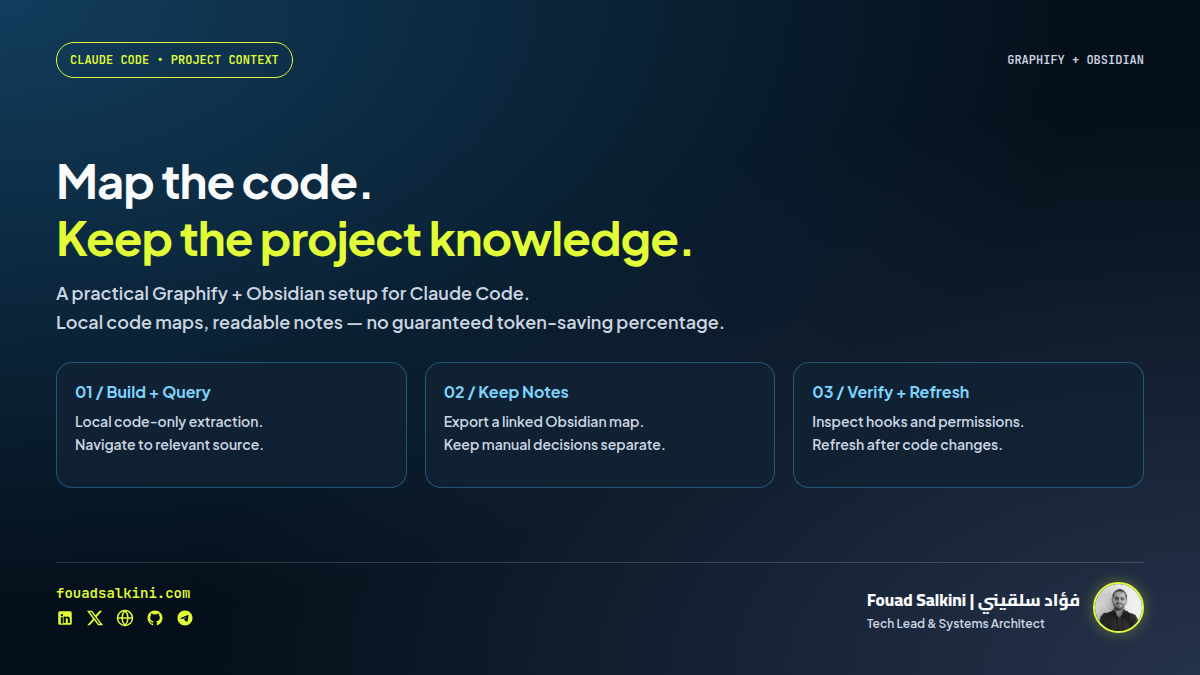
A code map helps you find the right context. Project notes help you preserve the reasons behind it. Graphify and Obsidian serve those different jobs; neither removes the need to verify source code and tests.
Reviewed 22 October 2026 using Graphify 0.9.93 at source snapshot 847a93f3cab5e2c82ea9170014b21cd2c52a4417.
An Instagram reel by Sebastian Hardy recommends Graphify and Obsidian to reduce repeated project exploration in Claude Code, claiming about 70% fewer tokens. The useful idea is selective retrieval. The percentage is a creator claim, not a saving I independently reproduced. [1]
There is also an important correction: Claude Code does not necessarily reread an entire repository before every question. Its official documentation already describes persistent project instructions and auto memory. A fresh context window is not the same thing as having no memory mechanisms. [5]
The two tools have different jobs
- Graphify extracts a queryable map of code relationships. Its code-only path parses code locally; optional semantic/model-assisted paths have different costs and privacy implications. The official Python package is
graphifyy, with two trailing y characters; the executable isgraphify. [2][7] - Obsidian stores readable project notes in a local folder, called a vault. Its core Graph view visualizes the notes and their internal links; it is not a source-code parser, and opening Obsidian does not automatically connect it to Claude Code. [3][4]
The local Graphify package is Apache-2.0, with earlier MIT contributions retained as described in NOTICE. Graphify Cloud is a separate hosted offering; its marketing claims should not be confused with a benchmark of this local workflow. [2][8]
1. Start with a non-sensitive project copy
Use a clean branch or a disposable copy first. Record the working-tree state so you can review every added file. Do not start by scanning all client folders or a shared notes vault.
Before extraction, create or extend .graphifyignore in the project root. Example entries:
.env
.env.*
*.pem
private/
notes/
.venv-graphify/
graphify-out/
Graphify also honors Git ignore rules. The notes/ exclusion prevents a later code-map export from being scanned back into the project. These patterns are examples, not a complete secrets policy or an access-control boundary. Check the resulting graph for content you did not intend to include. [2]
2. Install the correct package
You need Python 3.10 or later and an installation method such as uv or pipx. Choose one method; do not stack several installations on PATH. The following pins the version reviewed here: [2]
uv tool install 'graphifyy==0.9.93'
graphify --version
If uv is not installed, follow its official installation instructions or use an isolated Python virtual environment instead. The virtual-environment alternative below is for Linux/macOS; Windows uses different activation and executable paths:
python3 -m venv .venv-graphify
source .venv-graphify/bin/activate
python -m pip install 'graphifyy==0.9.93'
graphify --version
Do not install a similarly named package by guessing. The upstream installation guide is docs.graphify.com/installation. Review the package and integration before granting it access to production or client data.
3. Build a local code-only graph first
From your project root:
graphify extract . --code-only --max-workers 1This path skips documentation, PDFs and images and does not require an LLM API key. It writes graphify-out/graph.json; one worker is a cautious starting resource setting, not a performance recommendation for all repositories. It does not create a rich semantic map of everything in the project. [2][7]
Try a query using symbol names that actually exist in your code:
# Synthetic example: replace these with your own function/module names.
graphify query "checkout save_order"
Use returned source locations to inspect the relevant implementation and tests. A graph is a navigation aid, not proof that every runtime dependency or dynamic call was resolved correctly.
4. Register the Claude Code integration deliberately
In the same project, with Claude Code installed and authenticated:
graphify install --platform claude --project
git diff
git status --short
This is not just a read-only command. In the tested version it created a project skill, updated project instructions and registered PreToolUse hooks for searches and file reads. Review .claude/skills/graphify/, .claude/CLAUDE.md, CLAUDE.md and .claude/settings.json. Hooks can change how an existing tool workflow behaves, so check for interaction with other integrations. [6]
Restart Claude Code and make sure its terminal can find graphify on PATH. A useful first request is:
Use the existing Graphify graph to locate the checkout-to-storage path. Show source locations, then read the relevant source and tests before proposing a change. Do not treat the graph as complete or current without checking.
For the full assistant-driven workflow, the upstream slash command is:
/graphify .That command runs inside the assistant, not an ordinary shell. It can involve model-assisted processing and use your assistant’s tokens. It is not equivalent to claiming that every /graphify action is offline or free. graphify install also does not establish an MCP connection by itself. [2][7]
You can use the standalone extraction/query CLI without installing these hooks.
5. Export the map to an Obsidian notes folder
In the project root, export generated notes into a separate subfolder:
graphify export obsidian \
  --graph graphify-out/graph.json \
  --dir notes/code-map
Then:
- Install Obsidian from obsidian.md/download.
- Choose Open folder as vault, and select the project’s
notesfolder. Selecting the parent lets you keep manual project notes alongside the generatedcode-mapfolder. [3] - Create
Decisions.mdfor reviewed decisions and reasons, andNext-steps.mdfor unfinished work. Use a link such as[[Next-steps]]to connect notes. [4] - Open the core Graph view from the Ribbon to see note links. No community plugin or Obsidian Local REST API is required for this filesystem-based workflow. [4]
Keep handwritten notes outside notes/code-map. Re-exporting manages generated files and may replace or prune them. Do not point an exporter at an existing personal vault without understanding its write behavior and taking a backup.
For Claude to use your manual notes, add a concise project instruction—merge it into your existing CLAUDE.md, do not overwrite the file:
## Project knowledge
- Use Graphify for code navigation, then verify relevant source and tests.
- At task start, read notes/Next-steps.md and the relevant sections of notes/Decisions.md.
- Propose factual decision/next-step updates at task end; avoid dumping raw chats or secrets.
- Keep manual notes outside generated notes/code-map/.
This is explicit file-based integration. The Obsidian window need not be open for an agent with filesystem access to read Markdown. Review note changes before accepting them; instructions guide a model but are not a security enforcement mechanism. [3][5]
6. Refresh the map after code changes
Do not “map once” and assume the result stays accurate:
graphify update .
graphify cluster-only .
graphify export obsidian \
  --graph graphify-out/graph.json \
  --dir notes/code-map
In my smoke test, exporting immediately after update warned that the analysis sidecar was stale. Running cluster-only refreshed the report/community data before re-export. This is separate from verifying that the application itself works. Optional Git hooks and other always-on modes exist, but they add behavior and are not required for a first trial. [2]
7. Measure savings instead of inheriting a percentage
Use the same repository revision, model, task and success criteria for a baseline and graph-assisted run. Record:
- Initial indexing, semantic processing and refresh costs.
- Main-agent and subagent usage, cache reads/writes and provider pricing categories where available.
- Time, result correctness and tests passed—not only a smaller context counter.
- How many later tasks reuse the map before the next rebuild.
A lower context-window counter is not automatically the same percentage reduction in billed tokens or total project cost. One-time indexing can outweigh retrieval savings on a tiny or short-lived task.
Code-only extraction was local in the test. Using an external assistant to read the resulting map or notes can still transmit their contents to its provider. Optional semantic extraction and hosted services introduce their own data flows and costs. Keep distinct clients isolated and do not import secrets into the graph. [7]
What I actually tested
I installed Graphify 0.9.93 from the pinned source checkout into a scratch virtual environment. The package name/version was also checked against PyPI metadata; I did not independently compare a PyPI wheel with the source build.
Inside an unprivileged, resource-limited, network-disabled container with a disposable HOME and synthetic Python files, I exercised:
- Project-scoped Claude skill/instruction/hook installation.
- Code-only graph extraction, local query and an excluded synthetic private marker.
- Obsidian Markdown/wikilink export.
- Refresh after adding a new function.
- Re-clustering and re-export to
notes/code-map, while a sibling manual note remained intact.
Not tested: a real Claude Code session, Obsidian’s GUI, every supported language, semantic quality, agent-hook enforcement or token/cost savings. Claude Code was not available in this environment. These are smoke-test results, not a full test-suite pass or proof of a 70% reduction.
Sources
[1] Sebastian Hardy’s reel—the attributed 70% claim
[2] Graphify README at the reviewed source snapshot
[3] Obsidian: create/open a vault
[4] Obsidian: Graph view and note links
[5] Claude Code: project instructions and auto memory
[6] Graphify installer: scope, instructions and hooks

Written by Fouad Salkini (فؤاد سلقيني)
General Manager & Tech Lead at Tripnologies and Sync Studios. Systems Architect focusing on AI coding agents, DevOps, and quantitative systems.