Google ARTEMIS: Let AI Agents Operate an Android Phone — Uses and Limits
Google's Apache-2.0 ARTEMIS project turns natural-language tasks into Android automation through ADB, screen observations and MCP. What it can do, where it helps mobile testing, and the privacy, permission and reliability limits to understand before connecting a phone.
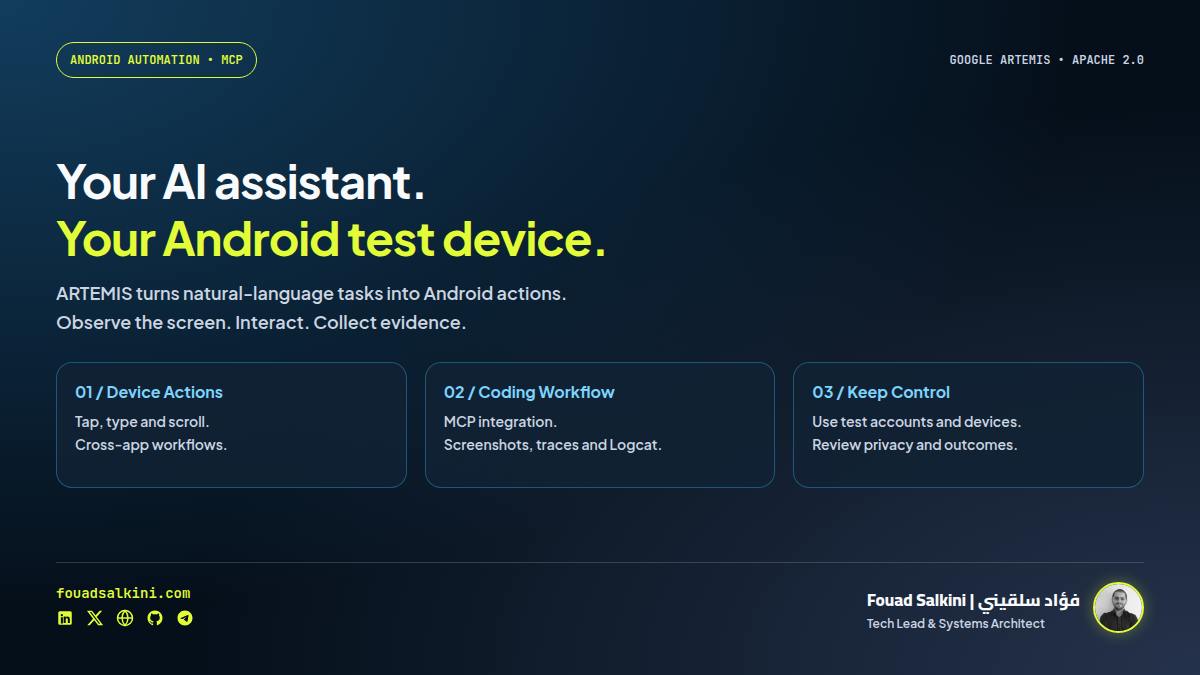
An AI coding assistant can help write your Android app. ARTEMIS gives it a way to interact with a connected phone and inspect what actually happens on screen.
Google’s google/artemis project turns natural-language instructions into Android automation. It works with an authorized physical device or emulator, supports workflows across apps, and exposes mobile tools through MCP for coding assistants. The source is licensed under Apache 2.0. [1][4]
The phrase “use a phone like a person” describes the interaction style, not the implementation: this is software using ADB, screen observations and device automation, not a human-level guarantee or an AI model installed autonomously inside your phone.
What it can do
The repository documents actions such as opening applications, tapping controls, scrolling, entering text, and navigating multi-step workflows. ARTEMIS combines screenshots and UI hierarchy information with element-based targeting and visual or coordinate fallbacks. It can collect screenshots, execution traces and Logcat output for debugging. [1]
A useful example for a developer is:
Install the latest test APK, open the login screen, sign in with a test account, check for unexpected popups, and return a screenshot of the final screen.
That is a documented workflow, not a task I ran on a phone for this review.
For everyday use, the repository demonstrates planning routes in Maps and then opening YouTube. For engineering teams, the stronger starting point is a dedicated test device with controlled accounts and repeatable acceptance criteria. [1]
How it works
Your instruction or coding assistant
                ↓
ARTEMIS + configured language/vision model
                ↓
Observe screenshot and UI structure
                ↓
Choose and execute an Android action
                ↓
Observe again → continue, recover or report
MCP tools include mobile_run_task, mobile_manage_task, mobile_get_device_state, mobile_inspect_trace and mobile_diagnose. A separate Python SDK can submit tasks to an ARTEMIS host. [1]
The project provides Flash for reactive execution and Pro for more deliberate checking and exploration. These are execution profiles, not evidence of a paid software tier. The README also describes history compression for longer tasks. [1]
Why it is useful
- Connect coding with device feedback. An assistant can inspect the app instead of assuming that a successful build means the screen works.
- Exercise cross-app workflows. Useful when a test moves beyond one application’s interface.
- Collect debugging evidence. Screenshots, traces and logs help explain a failed step.
- Reduce some selector maintenance. Semantic and visual targeting can complement traditional tests when a UI changes.
- Keep the integration inspectable. Apache-2.0 source and MCP interfaces make the framework adaptable. Model access and device setup remain separate requirements. [1][4]
I would use it to complement deterministic tests and exploratory QA, not replace every stable regression script with a model-driven sequence.
The limits to understand
It needs setup and real permissions
The host needs Python 3.12 or newer, Android tooling, an authorized device or emulator, and a configured model provider. USB debugging is part of the documented setup. This is not a normal Android app you install and forget. [1][2]
The default configuration also permits automatic installation or upgrade of an Accessibility Helper. Its purpose is to improve UI observations, with UIAutomator2 as a fallback. On a personal or shared phone, consider ARTEMIS_HELPER_AUTO_INSTALL=false and review the helper before explicitly installing it. [1][2]
Open source does not mean free, offline inference
The configuration supports external model providers. The reviewed operator code adds the current screenshot to the model’s input. With a remote provider, screen content can therefore leave the device host for inference. Model calls can also incur costs. [2][3]
Use a spare phone or emulator, synthetic data and test accounts first. Keep private messages, customer information and banking apps outside the experiment.
Reliability is not universal
The README reports 99%+ completion on AndroidWorld. That is the project’s reported benchmark result, not a measurement I reproduced. AndroidWorld itself is an emulator-based benchmark with 116 hand-crafted tasks across 20 apps; benchmark success is not a guarantee for every installed app or real-device state. [1][5]
Visual automation can still fail on ambiguous controls, unexpected dialogs, timing changes or custom interfaces. Verify the outcome rather than trusting a “task completed” narrative alone. Keep human approval for sending messages, purchases, deletion and other consequential actions.
Protect the control interface and traces
The repository’s Dockerfile explicitly warns that the console has no user authentication and recommends publishing its port to loopback only, then using a private tunnel for remote access. Do not expose a phone-control console directly to the internet. [7]
Execution artifacts can contain screenshots and logs. Treat the trace directory as sensitive, not as harmless diagnostic clutter.
A cautious starting path
The documented macOS/Linux quick start is: [1]
git clone https://github.com/google/artemis.git
cd artemis
./start.sh
Inspect the startup script before running it. It can install tooling and offers to configure global MCP settings and agent rules. Those are changes to your development environment, not just a temporary demo. The Windows equivalent is .\start.bat in PowerShell. [1]
Begin with a read-only task on a test device:
uv run artemis run \
  "Open Settings, find Battery and tell me the current level" \
  --profile flash
If connecting a coding assistant, the project can generate a client configuration rather than installing every integration:
uv run artemis mcp --generate-config codexA Dockerfile is also supplied for the console, but a container still needs an intentional connection to an authorized device/ADB host and configured credentials. Keep the published port bound to 127.0.0.1. For normal local use, start with the documented host workflow rather than adding a public service or unnecessary systemd deployment. [1][7]
What I verified
I reviewed source commit 351ca8422f7b5b54e80a9c1ce03a222e02415b6b, including the setup requirements, MCP interface, screenshot prompt construction and console warning.
I also ran the standalone Python client’s unit tests:
PYTHONPATH=packages/artemis-client/src \
  python3 -m unittest discover -s packages/artemis-client/tests -v
All 20 SDK tests passed. They use fake or mocked transports to check task submission, validation, polling, timeouts and transport handling. They do not establish real-phone control or model quality. No ADB installation or authorized Android device was available here, so I did not execute an end-to-end phone task, reproduce the benchmark, or run the full framework test suite. [6]
Bottom line
ARTEMIS is a practical bridge between an AI assistant and an Android test device. Its most convincing role is mobile testing with observable evidence: interact, inspect and report.
Try it on a controlled device before trusting it with a personal phone. The opportunity is useful automation; the responsibility is managing permissions, screen privacy, model costs and verification of real outcomes.
Sources
[1] Google ARTEMIS repository and setup documentation
[2] Pinned environment configuration and helper defaults
[3] Current screenshot included in operator model input
[5] AndroidWorld benchmark and evaluation environment

Written by Fouad Salkini (فؤاد سلقيني)
General Manager & Tech Lead at Tripnologies and Sync Studios. Systems Architect focusing on AI coding agents, DevOps, and quantitative systems.