Context Mode: Keep Tool Output Out of Your Coding Agent's Context — A Hands-On MCP Review
A practical review of Context Mode: execute and filter large tool outputs, search local SQLite indexes, and preserve session state through platform hooks. We tested its MCP tools, checked security and privacy boundaries, and explain why 98% savings is not a universal guarantee.
A coding agent asks how many requests failed. Its tool returns thousands of log lines. The model then spends part of its context window reading successful requests it never needed.
That is an information-flow problem before it is a model-size problem.
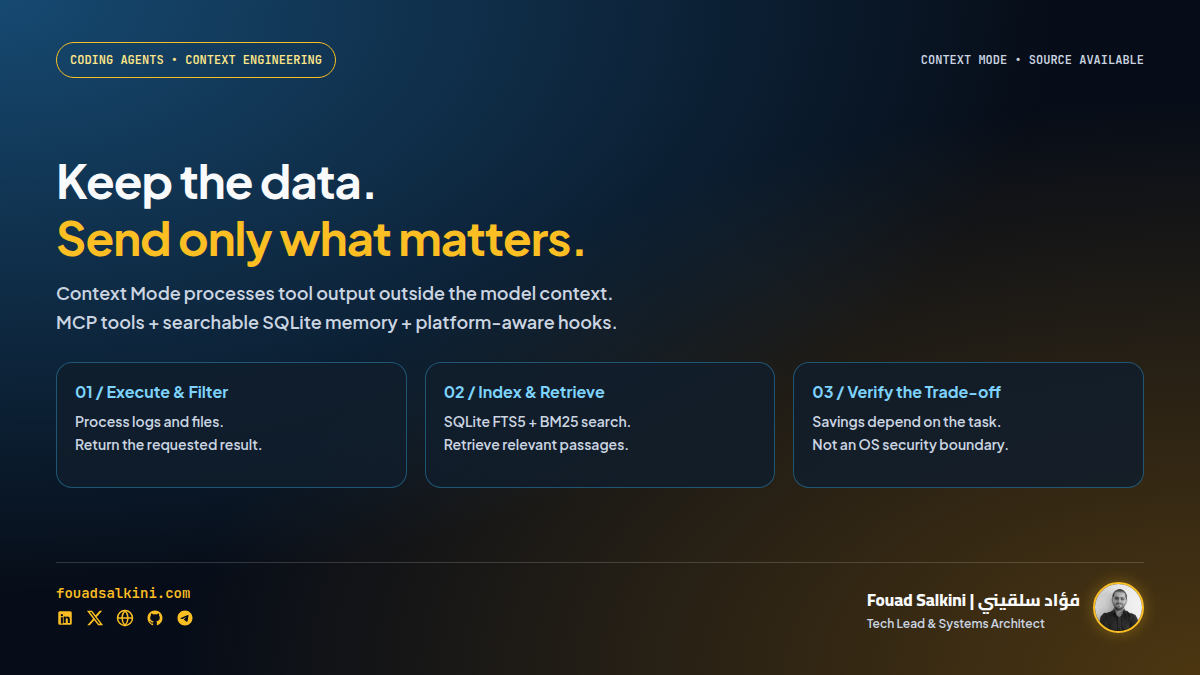
mksglu/context-mode puts a processing and retrieval layer between an agent and large tool outputs. Execute code over the data, index material worth keeping, and return the result or relevant passages instead of flooding the conversation. The project also supplies platform integrations for routing and session continuity. [1][2][3]
My verdict: useful engineering for data-heavy coding sessions, with real integration, security and licensing caveats. I ran its MCP tools against synthetic data inside an isolated container. This review separates that experiment from the project’s broader marketing claims.
What it is — and what it is not
Context Mode is an MCP server with execution, indexing, retrieval and diagnostic tools. It is not a new language model, a bigger context window, or a method for fitting an entire codebase into the model without trade-offs. [1][2]
The key idea is straightforward:
Large tool output or local document
            ↓
Code execution / filtering / local indexing
            ↓
Small answer or relevant retrieved passages
            ↓
The coding agent's conversation
The model can still request more evidence. It simply does not have to receive every raw byte first.
The reviewed checkout was version 1.0.169, commit 23e81ab3a0277243dbac221a8da4e37daf6fec51. Platform behavior and defaults can change, so the source links below pin that revision.
The tools that do the work
The MCP handshake in my test registered 11 tools. The six main data-processing tools were: [1][2]
ctx_execute: execute code and return selected output. Useful for parsing JSON, counting errors or extracting a small result from a large dataset.ctx_execute_file: process a file without first pasting its entire contents into the model’s conversation.ctx_batch_execute: combine execution and query work rather than repeatedly returning large intermediate outputs.ctx_index: index content or files for later retrieval.ctx_search: retrieve relevant indexed passages.ctx_fetch_and_index: fetch and index web content for targeted querying.
The remaining tools cover statistics, diagnostics, upgrades, purging and insights. Tool names are not a reason to approve every capability indiscriminately: an upgrade or arbitrary-code execution has a different risk profile from a search. [2]
The content store uses SQLite FTS5 with BM25-ranked search, with additional fallback logic. That is local text retrieval; it should not be confused with a guarantee that every concept will be found regardless of wording. [3]
A real, deliberately small test
I installed dependencies in a scratch checkout with lifecycle scripts disabled, ran TypeScript checking, and built the project. Then I connected an MCP client to the compiled server inside Docker with:
- networking disabled;
- a read-only container root filesystem;
- capabilities dropped and privilege escalation disabled;
- an unprivileged user;
- only the scratch workspace and its temporary directory mounted writable;
- synthetic fixtures, not production logs or customer documents.
That isolation came from my Docker test wrapper, not from Context Mode itself.
Test 1: count failures without sending the whole log
I generated 2,000 synthetic JSON log records, including 20 errors, then asked ctx_execute to parse the file and print the counts.
The result was correct:
{"rows":2000,"errors":20}The fixture contained 168,929 bytes. The MCP response’s text content, including the echoed code, contained 259 bytes.
That is 99.85% fewer bytes returned than the raw log size in this specific task. It is not lossless compression: the task asked for counts, so the program intentionally discarded irrelevant detail from its answer. Nor is it a token measurement, a provider-billing measurement or a whole-session benchmark.
The mechanism is valuable precisely because the agent often needs an answer to a question, not a copy of the entire dataset.
Test 2: retrieve a fact from a document
I created a synthetic runbook containing 40 sections, indexed it with ctx_index, and searched for a unique deployment marker with ctx_search.
The tool returned the correct section and preserved the associated restart policy, on-failure, rather than returning all 40 sections.
This verifies a basic indexing-and-retrieval path. It does not establish perfect recall across arbitrary documents, languages or ambiguous questions.
Build and test results
The local checks completed successfully:
npm run typecheck;npm run build, including the bundle and asymmetric-drift assertions;- MCP initialization and tool listing;
- execution, indexing, search and statistics calls;
- three selected upstream test files: 171 tests passed, one Windows-only test skipped on Linux.
The selected tests covered search, project-boundary checks and an executor helper. I did not run the entire upstream test suite or a full Claude Code/Codex session. Automatic routing and recovery after a real agent compaction were not exercised in this smoke test.
The sanitized smoke-test report includes the fixture sizes, returned counts, registered tools and retrieved passage.
About the advertised 98% reduction
The README presents a 315 KB to 5.4 KB example and describes it as a 98% reduction. Treat that as the project’s example, not a universal performance contract. [1]
The reduction depends on what the task requires. Returning a count from a log is cheap. Reviewing every changed line, preserving complete stack traces, or checking a legal clause may require substantially more detail.
A useful evaluation should ask:
- How many input and output tokens did the full task consume?
- How many retrieval calls were necessary?
- Did the final answer preserve every important exception and error?
- Was the task completed correctly?
- Did execution and retrieval overhead make the session slower?
Smaller output is a means, not the acceptance criterion. A tiny answer that omits the decisive error is worse than a larger correct one.
Session continuity is a separate feature
Beyond filtering tool output, supported integrations capture events such as file changes, tasks, errors and decisions. Those events can be indexed and used to reconstruct relevant working state after compaction or resumption. [1][5]
This is useful, but it is not a promise of unlimited or flawless memory. Coverage depends on what the host exposes, what its hooks capture, and whether retrieval returns the right event.
Adding an MCP server is not the same as installing the full integration. The README explicitly distinguishes MCP-only access from automatic routing. A platform plugin or hook layer can deny, redirect or instruct the model to retry a native call through a ctx_* tool; the MCP server alone does not automatically intercept every other tool. [1][5]
Platform support is not identical everywhere
The project documents integrations for hosts including Claude Code, Gemini CLI, Copilot environments, Cursor, OpenCode, Codex CLI and others. Hook capabilities and setup requirements differ. Codex support, for example, depends on hook availability and feature settings; compaction events are not uniformly available across builds. [1][5]
I would not buy into the tool based only on the number of platforms in the README. Check the specific adapter and client version you use.
Hermes is not explicitly listed in the reviewed platform definitions. Generic MCP access is a possible integration route, but I have not verified Hermes-specific automatic routing or session recovery. I did not change my live Hermes configuration for this review.
Security: “sandbox” is not an OS boundary here
This is the most important qualification.
The executor writes a temporary script and runs a normal child process. The README explicitly says execution tools inherit the process’s filesystem access and are “not a full OS sandbox.” [1][4]
There are security controls: configured permission checks, a project-containment guard for the file-processing path, and URL checks in the fetch tool. These are defense-in-depth, not the equivalent of a container, restricted operating-system user or enforced network namespace. [1][2]
In particular:
- Arbitrary execution can use the MCP server process’s effective filesystem permissions.
- Environment handling removes known runtime-injection variables but does not generally remove every inherited API credential.
- Tool-specific fetch restrictions do not establish an egress policy for arbitrary JavaScript, Python or shell code.
- Some security-check error paths fail open and rely on the hook layer as primary enforcement. [2][4]
Approve execution as execution. Run the server with the least privileges it needs, keep host-level sandboxing enabled, and avoid supplying credentials unrelated to the task. Do not expose it as an unauthenticated remote code-execution endpoint.
Privacy and retention need careful wording
The default storage design is local SQLite, but I would not repeat an absolute claim that nothing ever leaves the machine. [1][2][3]
The reviewed code contains two distinct outbound paths:
- An automatic npm version check at startup and on an hourly schedule. The request path does not attach session content, but it is still network traffic. [2]
- A configuration-gated platform bridge that can forward sanitized session events to a configured platform URL. Without valid configuration it returns without forwarding. This is an optional export path, not evidence that every installation secretly uploads sessions. [7]
Redaction also needs qualification. Structured parameters receive sensitive-key handling, but a separate extraction path records the first string argument and tool-response text. From the code, I would not promise that credentials appearing in arbitrary text can never be persisted. This is a static audit finding, not an exploit demonstration. [8]
Storage can survive process shutdown for resumed sessions. Cleanup depends on the database, session path and lifecycle behavior; do not equate a cache-freshness interval with a guaranteed deletion deadline. Use the purge controls when appropriate and treat local databases as potentially sensitive artifacts. [1][2]
License: source-available, not MIT
At this revision the project uses Elastic License 2.0. It permits use, copying, distribution and modification subject to its terms, but restricts providing a third-party hosted or managed service exposing a substantial set of its functionality. It also restricts license-key circumvention and removal of notices. [6]
Internal or commercial use is not categorically prohibited. Unrestricted SaaS resale is not permitted by this license. I would describe the project as source-available, rather than imply it has a permissive MIT or Apache license. Review the exact terms before packaging it into a service.
How to try it without changing your whole workflow
Claude Code: full plugin integration
The documented installation is: [1]
/plugin marketplace add mksglu/context-mode
/plugin install context-mode@context-mode
Restart Claude Code or reload plugins, then run:
/context-mode:ctx-doctor
/context-mode:ctx-stats
These marketplace commands follow the available release; they do not pin the exact source revision audited here.
MCP-only trial
For a lighter Claude Code trial, the documented command can be version-pinned: [1]
claude mcp add context-mode -- npx -y [email protected]This provides the MCP tools, not the full automatic routing and hook-based session feature set. The reviewed package requires Node 22.5 or newer; use a maintained compatible Node release. [1][5]
A generic local stdio configuration has this shape:
{
  "mcpServers": {
    "context-mode": {
      "command": "npx",
      "args": ["-y", "[email protected]"]
    }
  }
}
The configuration filename and schema belong to your client. Do not paste this into an unrelated agent configuration and assume the platform hooks are installed.
Optional Docker wrapper
The following is an illustrative MCP-only wrapper, not an upstream Docker deployment or an image I validated for release:
FROM node:22-bookworm-slim
RUN npm install -g [email protected]
USER node
WORKDIR /workspace
ENTRYPOINT ["context-mode"]
Build it in a dedicated directory, then expose only the workspace required for the task:
docker build -t context-mode-local .
docker run --rm -i --network none \
  --cap-drop ALL --security-opt no-new-privileges \
  -v "$PWD:/workspace" -w /workspace context-mode-local
Configure the client to launch that command over stdio. Check mounted-file ownership for the image’s unprivileged user. The workspace is writable in this example; use a read-only mount when the workload permits. Network fetches are intentionally unavailable with --network none.
Containerizing just the server does not automatically containerize the host’s hooks or provide full plugin parity. For a normal local stdio setup, a separate public HTTP port or systemd web service is unnecessary: the MCP client launches the process.
Where I would use it
- Large logs and CI output: count, group and extract failing cases before returning evidence to the model.
- Long documentation: index once, retrieve specific passages, and inspect surrounding context when the answer is sensitive.
- Repository investigations: run structured analysis over files rather than repeatedly reading entire files into the conversation.
- Long coding sessions: evaluate session continuity on a supported host, including a deliberate compaction-and-resume test.
For small files or short tasks, an extra tool layer may add more complexity than it removes. Start with one data-heavy task and compare correctness, context consumption and latency against your existing workflow.
The strongest idea here is not “98% less context.” It is making the agent ask for the right information before sending all the information. Context Mode implements that pattern in a practical package. Its execution privileges, platform hooks, data retention and license still deserve the same scrutiny as any other part of your engineering stack.
Sources
[1] Context Mode repository and installation guide
[2] Pinned MCP server: tools, permissions, version checks and persistence
[3] SQLite FTS5 content store and search
[4] Execution subprocess and environment handling
[5] Platform support matrix and requirements

Written by Fouad Salkini (فؤاد سلقيني)
General Manager & Tech Lead at Tripnologies and Sync Studios. Systems Architect focusing on AI coding agents, DevOps, and quantitative systems.