ai-memory: Portable Project Memory and Handoffs Between Coding Agents
ai-memory gives coding agents a shared Markdown wiki, searchable project history and explicit handoffs. A hands-on v3.1.2 MCP test verified writes, scoped search and claim-once handoff behavior. Here are the benefits, setup options and privacy limits before enabling capture.
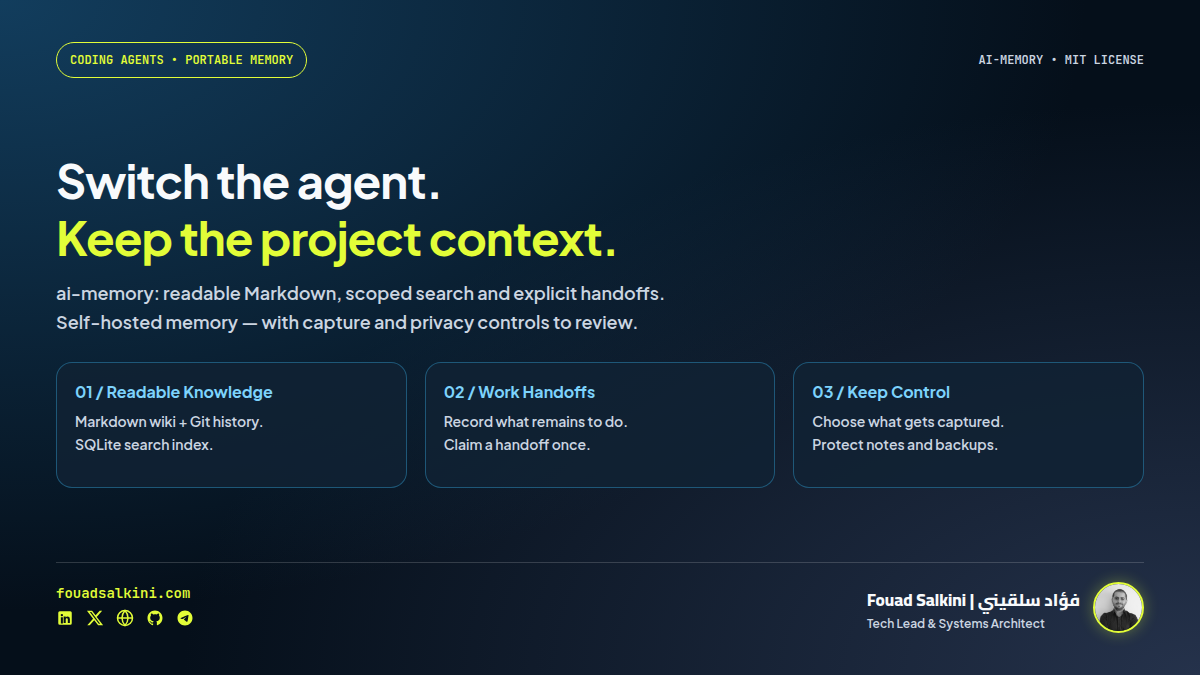
You stop working in one coding assistant and open another. The repository is there, but the reasoning behind the last change, failed approaches and unfinished work may not be.
akitaonrails/ai-memory addresses that handoff problem. It provides shared project memory for coding agents, backed by readable Markdown pages, a search index and explicit handoffs. You can run the server locally or on infrastructure you control. The project is MIT-licensed. [1][6]
My assessment: a useful candidate for developers who switch agents or machines, provided they configure capture carefully and treat remembered content as evidence—not authority. I tested the published v3.1.2 binary through MCP in an isolated container. I did not install hooks into my live assistants.
What makes it useful
One knowledge store across coding assistants
The documented integrations include Claude Code, Codex, Cursor, Gemini CLI, OpenCode and others. Supported hooks capture session events, and agents can search the same project knowledge through MCP. Coverage differs by host, so an entry in the support matrix is not a promise that every lifecycle feature behaves identically. [1][3]
The benefit is continuity: a future session can retrieve a decision and the remaining work instead of asking the developer to explain the project again.
Markdown you can inspect and move
The durable knowledge layer is a Git-backed Markdown wiki. SQLite supplies derived search indexes and stores operational/session data. Text retrieval works without maintaining a separate vector database. [1][2]
You can inspect or edit wiki pages using ordinary tools. That reduces lock-in for the compiled knowledge, but the wiki is not a complete replacement for backing up the whole service. A Markdown mirror does not preserve every raw observation, handoff state or credential. [9]
Explicit handoffs, not only a general summary
A handoff records what the next agent needs, including a summary and next steps. Its claim state is separate from a permanent knowledge page. Supported integrations can recover it at session start; MCP tools also expose creation, listing and acceptance. [1]
This distinction matters: “remember our deployment policy” is durable knowledge; “continue this unfinished migration next” is an operational handoff. Neither guarantees that the next model will execute the work correctly.
A baseline without an LLM subscription
Capture, rule-based session synthesis, lexical retrieval and handoffs can work without an LLM API key. Optional model-backed consolidation can turn session material into more coherent pages. That is an additional capability, not something my basic test required. [1][2]
Search can combine full text, entities, links and optional vectors. The local-embedding path may download weights; if unavailable, the system can retain its lexical-search path. In my network-disabled test, status reported both the LLM and embedding providers disabled, and search still worked. Do not confuse that result with a test of semantic-vector recall. [5]
What I actually verified
I downloaded the v3.1.2 Linux binary, verified its archive against the release SHA-256 file, and initialized a disposable data directory. The service ran as an unprivileged user inside a container with networking disabled and no host port published. [8]
Through a real MCP connection, I verified:
- Initialization and tool discovery: the tested server listed 24 tools.
- Write, search and readback: a synthetic project decision was saved, found by a unique marker and read back with its original body.
- Explicit project scoping: querying a different test project did not return that fixture. This checks query scope, not adversarial multi-user access control.
- Handoff lifecycle: a synthetic handoff was created, listed and claimed. Trying the same ID again returned
none_pending, not another successful claim. - Persistence: a saved page remained readable after restarting the test server.
- Authentication:
/healthzreturned HTTP 200, while an unauthenticated request to/admin/statusreturned HTTP 401.
The underlying page was also readable on disk as Markdown. The sanitized smoke-test report records the scope and outcomes.
This is not a real Claude-to-Codex session test. I did not evaluate automatic extraction quality, history projection, every host adapter, vector recall or the full Rust test suite. The executed release points to commit 5519b89cc653bec4cfccbb770c6b4e5dcfcda759; I also inspected a newer source snapshot, a1c083667bb9f15ac082fa0f4d08eb9632130210. The documentation references below pin v3.1.2 so the two are not silently conflated.
The trade-offs
More capture means more sensitive material to protect
Lifecycle capture can include prompt excerpts, tool activity and bounded tool-result text. It is not merely a token counter. A local server keeps storage under your control; a remote server sends captured material to that host. Optional remote LLM or embedding providers create additional data-egress paths. [1][2]
The code contains secret scrubbing, but the sanitizer explicitly documents patterns it cannot reliably identify. A random credential in ordinary prose is not guaranteed to be recognized. Redaction is a safety layer, not permission to capture every client repository. [10]
The capture policy is particularly important: its reviewed default is denylist, meaning an unmarked repository is captured once applicable hooks are installed. Allowlist instead requires a repository marker. For sensitive work, prefer deliberate opt-in and inspect path/tool exclusions before broad integration. [7]
Automatic synthesis does not create verified truth
A rule-based summary is not equivalent to a carefully reasoned architectural decision. An LLM-written summary can also omit exceptions or introduce mistakes. Keep important decisions explicit, review what is retained and verify them against current source or tests.
A larger shared memory can propagate an old error just as easily as a useful discovery.
A server brings operational responsibility
You own upgrades, backups, disk growth and access control. Raw observation retention and knowledge-page aging are different mechanisms. Git history and backups can retain content after a page is changed or removed; deletion is not guaranteed forensic erasure. [1][9]
For distinct clients with strict confidentiality boundaries, separate instances are a safer starting point than assuming that workspace labels alone establish tenant isolation. Scope selection, user grants and authentication need their own validation.
Optional intelligence can add latency and cost
A zero-LLM baseline does not mean every feature is free of resources or network access. Embedding models require local compute or a configured provider; model-driven consolidation can consume API tokens. Test whether the recalled information improves task completion before enabling more automation. [1][5]
Hermes support: useful, but not a one-click claim
The v3.1.2 support matrix explicitly describes Hermes Agent. The native command can print a hooks block for tool-call events:
ai-memory install-hooks --agent hermesIt does not automatically rewrite Hermes YAML. Session lifecycle, recall and end-of-session behavior are described as the responsibility of a community-maintained memory-provider plugin. The matrix does not claim a first-party Hermes MCP installer or managed workstream. Review plugin compatibility, active-profile paths and secret handling separately. [3]
I generated the preview in the disposable test environment; I did not modify my live Hermes configuration or replace its memory provider.
How to start cautiously
Native installation
Download the appropriate release archive, verify the published checksum and put the binary on your PATH. Review any installer script before executing it. The setup command can start a user service and wire detected agents, so preview the changes first: [1][8]
ai-memory setup --planOn a test machine, target one supported assistant rather than every detected one:
ai-memory setup --agent codexInspect the proposed changes and approve only the intended integration. Restart the assistant afterward. The documented Linux/macOS setup uses a per-user service; it is not necessary to invent a root-owned system service for a single-user trial. [1]
For a manual local server with no hook installation:
ai-memory init --data-dir "$HOME/ai-memory-trial"
ai-memory serve --transport http --data-dir "$HOME/ai-memory-trial"
A fresh native initialization creates a bearer-token file; keep it private. Test the generated authentication and bind settings rather than assuming an older installation has the same defaults. [4]
Docker alternative
The repository supplies a Compose definition that builds the service and binds the published port to loopback:
git clone --branch v3.1.2 --depth 1 \
  https://github.com/akitaonrails/ai-memory.git
cd ai-memory
docker compose -f docker/docker-compose.yml up -d
This is the upstream source-build deployment path, not a Compose build I executed in this review; my smoke test used the release binary in a restricted container. Check authentication, writable-volume ownership and actual bind settings before connecting clients. Do not publish the memory endpoint to the internet without TLS and appropriate access controls. [4]
My recommendation
Start with one non-sensitive project and one assistant. Save an explicit decision, end the session, retrieve it in a new one, and test a deliberate cross-agent handoff. Check not only whether something was remembered, but whether the next agent received the right scope and preserved the important qualifications.
ai-memory’s strongest promise is portable context: keep project knowledge readable and carry unfinished work across agent boundaries. Its value depends on disciplined capture and retrieval, not on collecting the largest possible history.
Sources
[1] ai-memory v3.1.2 repository and installation guide
[2] Architecture and capture-to-retrieval pipeline
[3] Agent support matrix, including Hermes integration boundaries
[4] Authentication and deployment security
[5] Local embeddings and lexical fallback
[6] MIT license
[7] Capture allowlist/denylist behavior
[8] Release files and checksums

Written by Fouad Salkini (فؤاد سلقيني)
General Manager & Tech Lead at Tripnologies and Sync Studios. Systems Architect focusing on AI coding agents, DevOps, and quantitative systems.